Fleet software for small robots, learned by doing.
Drive a fleet of small robots from your browser. Start with simulated bots on your own machine. When you have a real ESP32 bot, flash it and drive it from the same page.
Free, and it runs on your own machine. The code is in early access and planned to open on 30 November 2026, under the Apache 2.0 licence. Ask for access, then follow Install.
Click a bot, on the desk or here, to see what it's doing and only its messages.
A real run from the simulator, played back. Four bots swap corners, every path crosses the middle, and the station makes them wait or go round each other. Run it yourself with scripts/scenario watch four-corners. Tutorial 09 explains it.
- I've got five minutesQuickstart One command starts a broker, two simulated bots, the station and the page. Drive a bot from your browser. About five minutes once it's installed.
- Teach meThe course 10 tutorials, about 4 hours. Start at an MQTT broker and end at a bot reading its own distance sensor, one command at a time.
- I've got a robotFlash a bot Put the firmware on an ESP32 wired like gl_zero, which is still being designed. Drive it from the same page as the simulated ones.
The code is in early access. Ask for it in the issue tracker. You need a container runtime and nothing else. On macOS that's Apple's container, on Linux and Windows docker or podman. Install
- gunkslab DeskFree. The broker, the simulator, the station, the page and the scenarios, on your own machine.
- gunkslab LabPlanned, sold per site. Real bots on a LAN, with classroom and research features.
From a broker to a bot that sees, about 4 hours
Each stop builds on the last. Point at one to see what you'll do there.
- 01The MQTT broker30 minThe MQTT broker30 minRun the broker, then send and watch messages. Topics, wildcards, retained messages, QoS and last wills
- 02Protocol v0 by hand30 minProtocol v0 by hand30 minBe a bot and a station yourself, with nothing but the broker: hello, status, commands, telemetry, events, the e-stop
- 03The simulator and the viewer30 minThe simulator and the viewer30 minSimulated bots on a desk in your browser: drive them, find one, e-stop them, crash them
- 04The driving tool20 minThe driving tool20 minDrive from the keyboard: speed and turn, reading the echo, a power cap, switching bots, the e-stop, a client that dies
- 05The station30 minThe station30 minTalk to the station by hand: driving through it, its dead-man, one driver per bot, refusals, a fleet power cap, a crash
- 06The driving page20 minThe driving page20 minDrive from the browser with the keys, the on-screen pad or a gamepad. Two drivers at once, and the e-stop from the page
- 07Send a bot somewhere20 minSend a bot somewhere20 minClick the desk and the station drives the bot there: how it steers, taking over, and every way a trip can end
- 08Scenarios25 minScenarios25 minSet up a situation and say what must happen: run them, watch one in the page, write your own, the stress test, and how CI treats them
- 09Keeping out of the way20 minKeeping out of the way20 minHow the station keeps bots from running into each other on a go-to: the rules, watching them, the desk's edges, and where they stop
- 10The distance sensor20 minThe distance sensor20 minThe bot's own front sensor and its reflex: put a box on the desk, drive into it, back off, and a go-to it can't finish
One protocol, from a desk car up
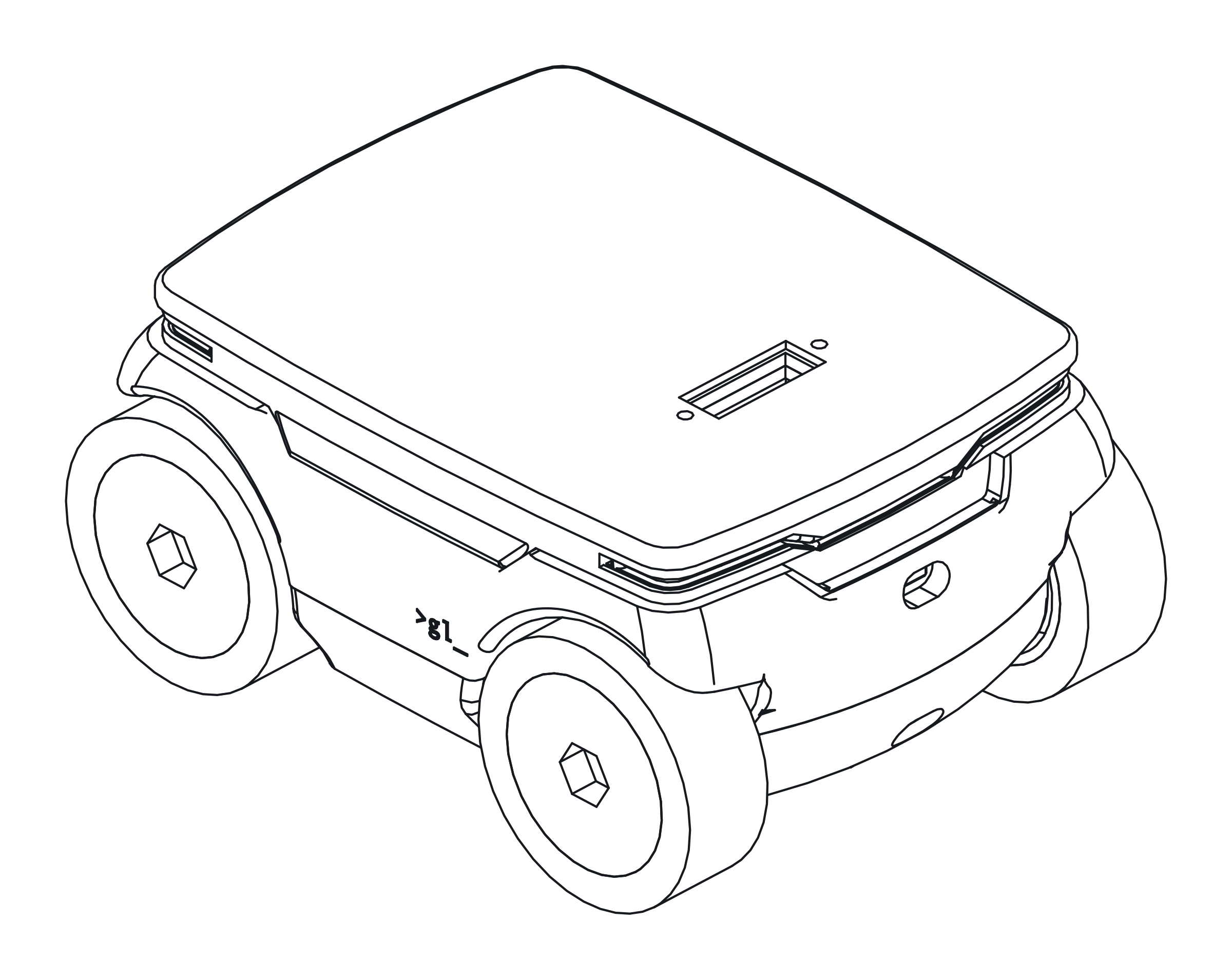 nowPirate StageA desk car, with encoders, an IMU and a cliff sensor at each end. The firmware is written and passes CI. The car isn't built yet.
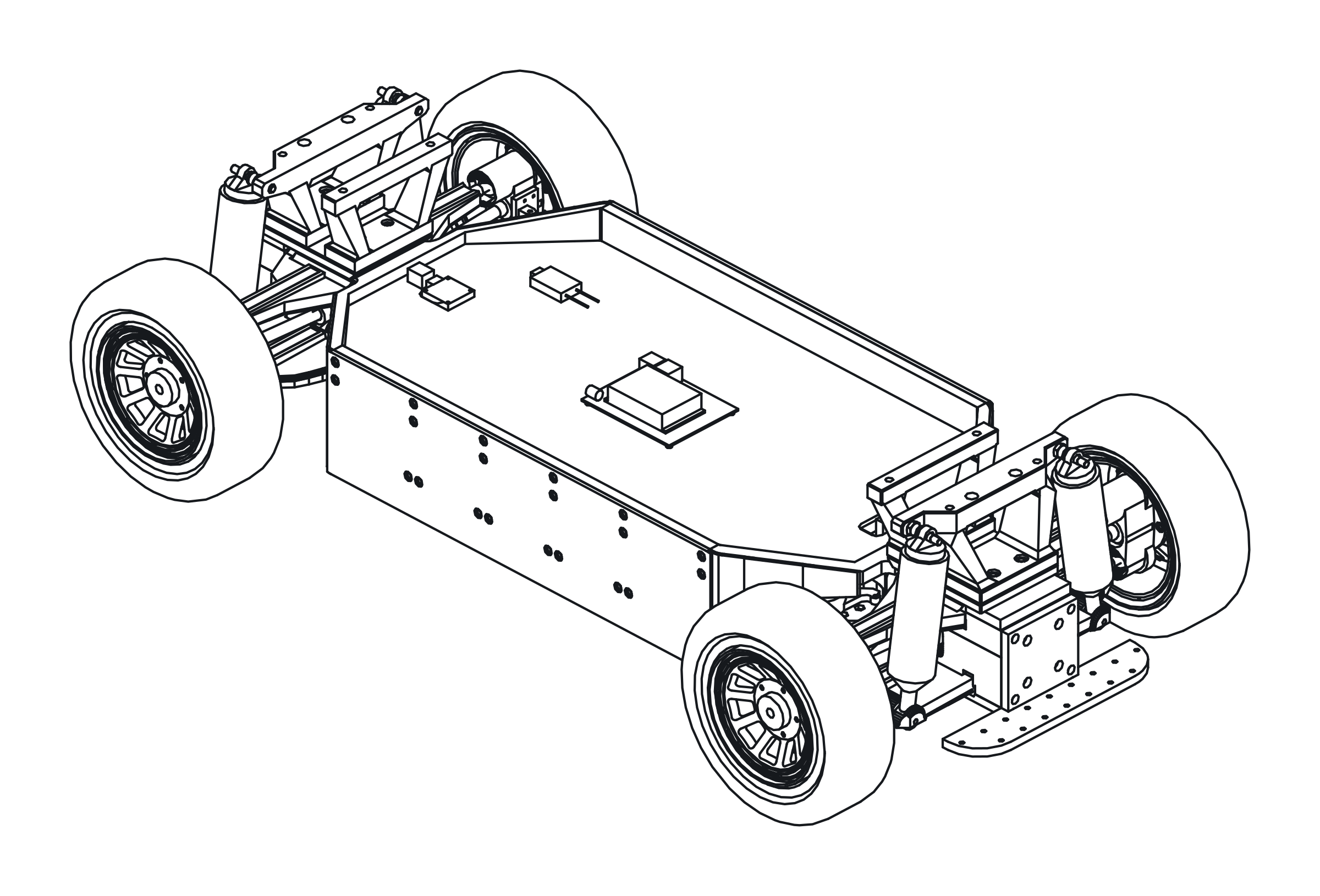 laterSoleilA car with a Jetson on board, not an ESP32. Same protocol, different firmware.
- Follow alongEverything built so far, newest first. There's a feed for your reader too. What's new · Feed
- NextPirate Stage on its own, twelve checks. The last one drives a square and a go-to, and fails if the car ends up too far off. The roadmap
- SafetyA bot stops 500 ms after its last command. It obeys the e-stop directly, station or no station. How it works
- Something wrong?What doesn't work yet is on one page. Anything else, or a question, goes in the issue tracker. Known issues · Issues